AI IMAGE WORKFLOWS
Choose the job. The Agent handles the workflow.
You do not need to pick a model first. Start with what you want to accomplish, then control references, annotations, ratios, and model choice on the canvas.
1. Describe
2. Mark
3. Refine
Every tool has a clear starting point.
Each page opens the same capable canvas with a task-specific brief, examples, and next steps—so there is less setup and less guessing.
 Popular start
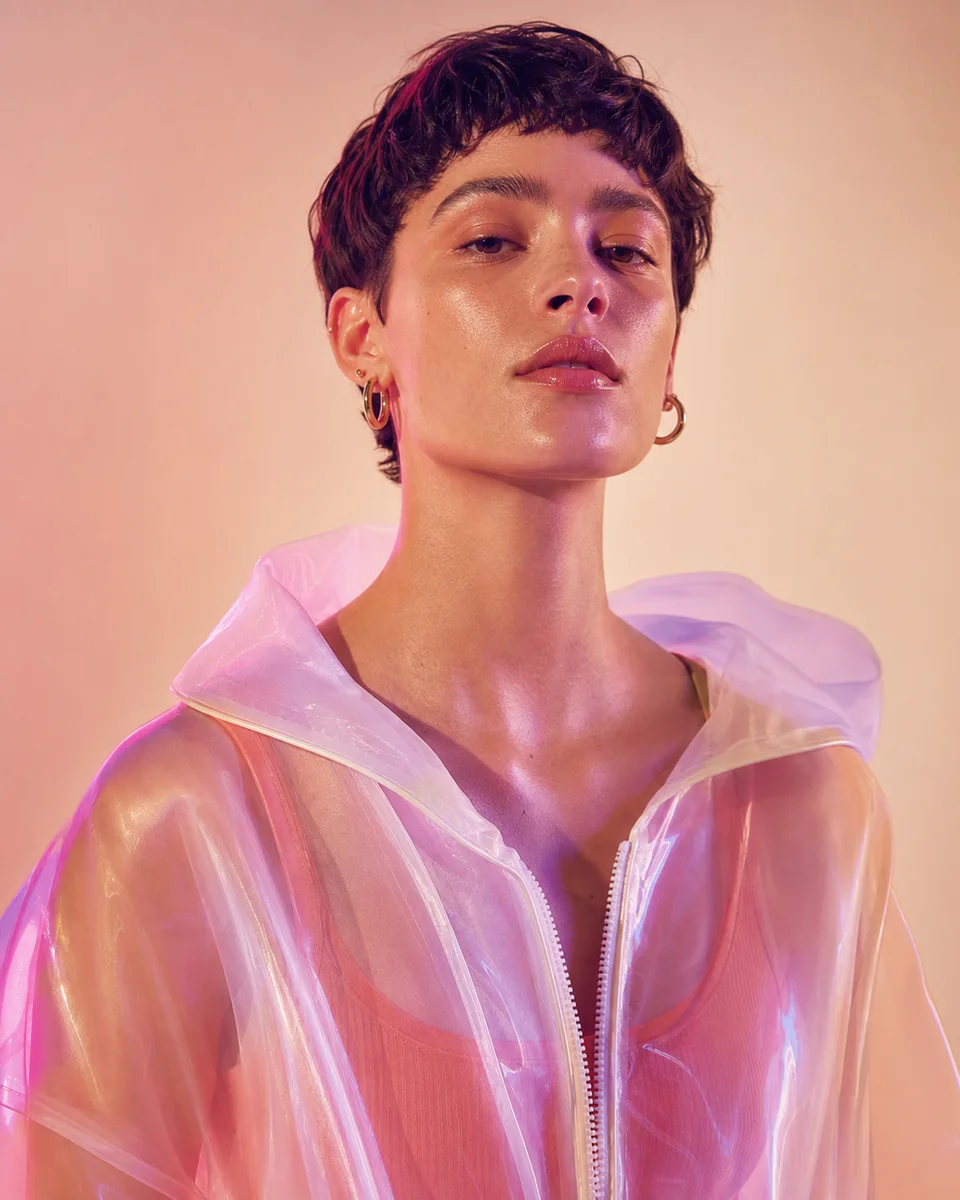
AI Image Generator Agent
Turn a rough creative brief into a directed image, then improve it through the same conversation instead of rebuilding prompts from scratch.
 Popular start
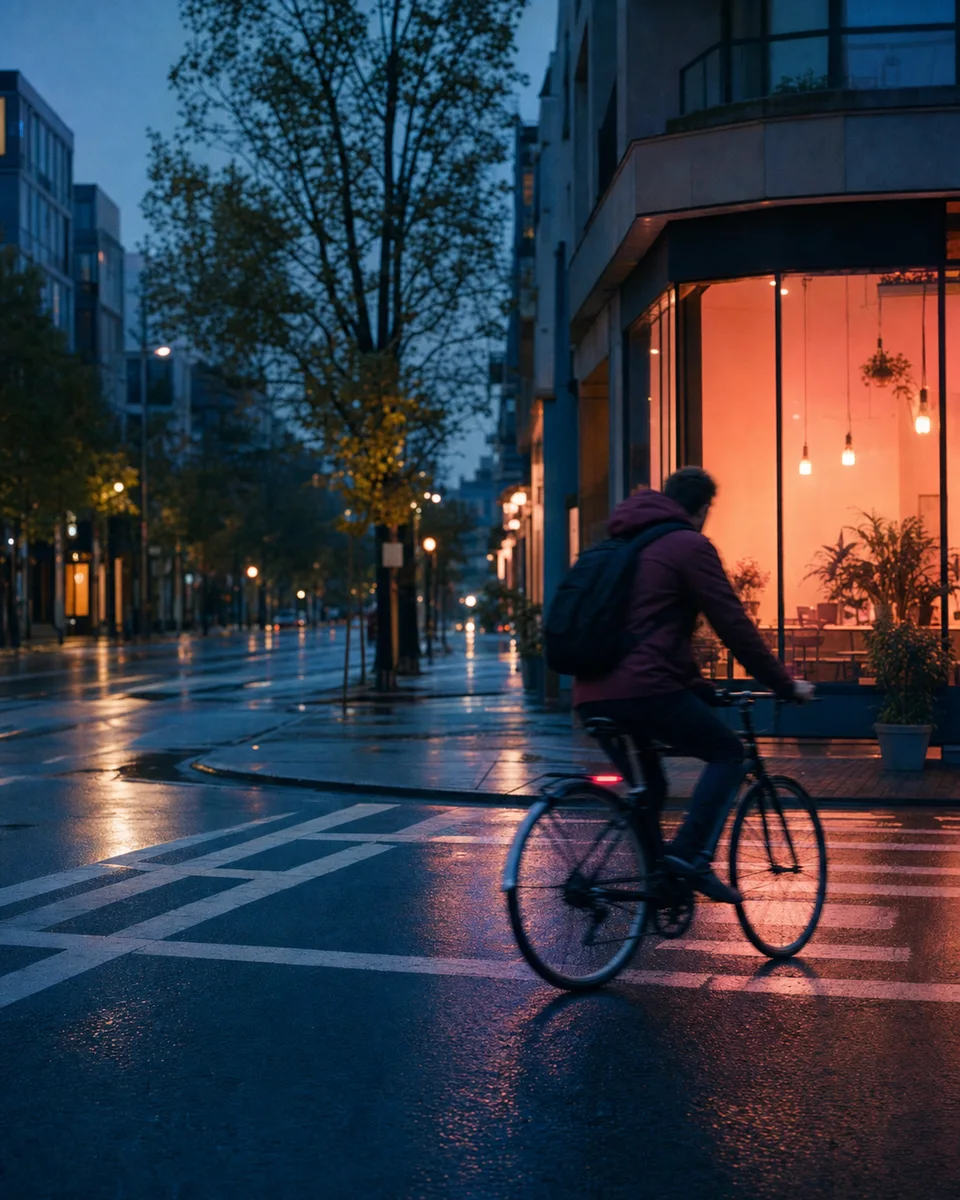
AI Photo Editor Agent
Edit an existing image with plain-language direction while keeping the original subject, composition, and previous versions within reach.
 Popular start
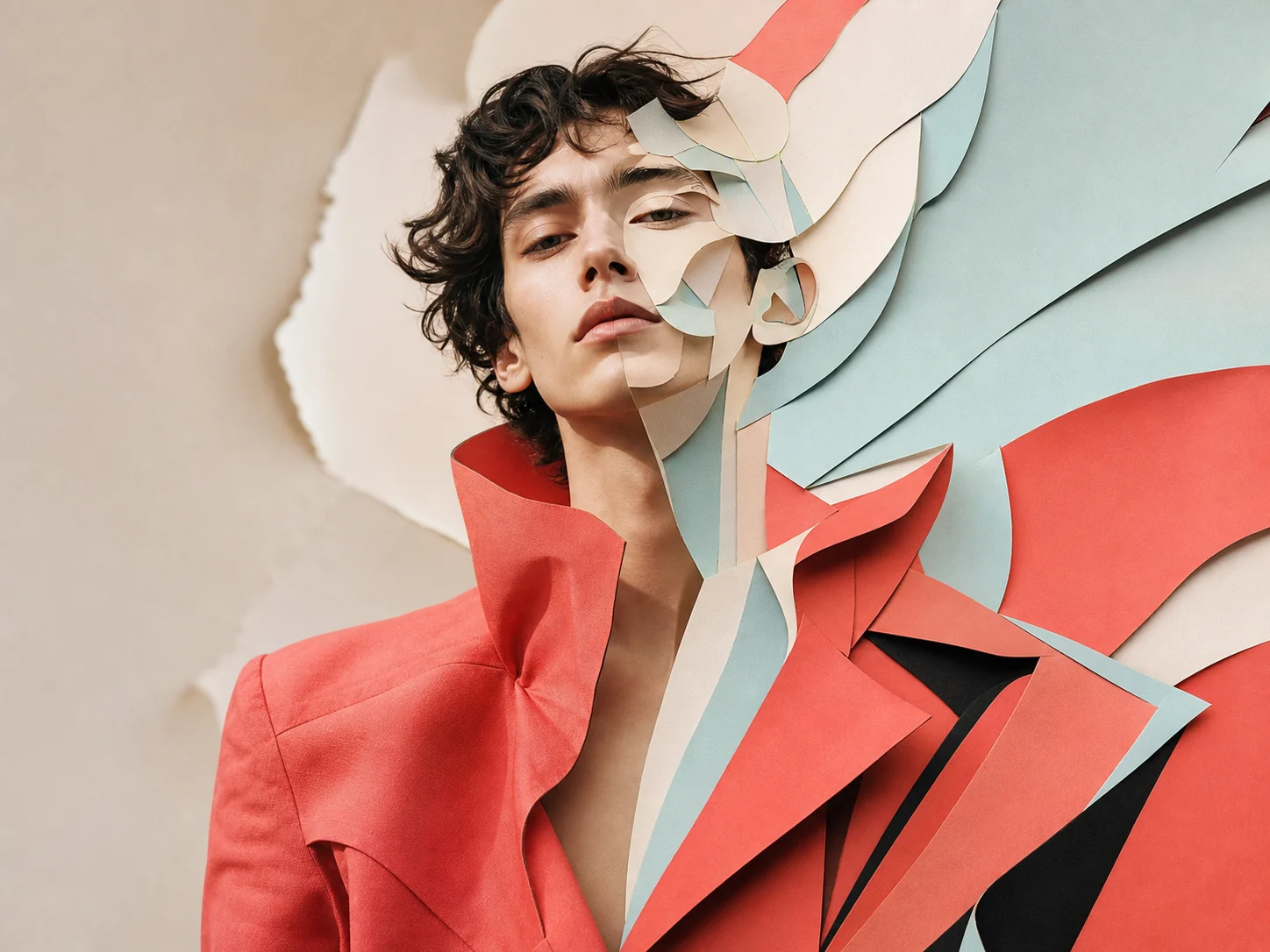
Image-to-Image AI Agent
Use one image as visual context, then guide new compositions, treatments, and variations through a continuous Agent conversation.
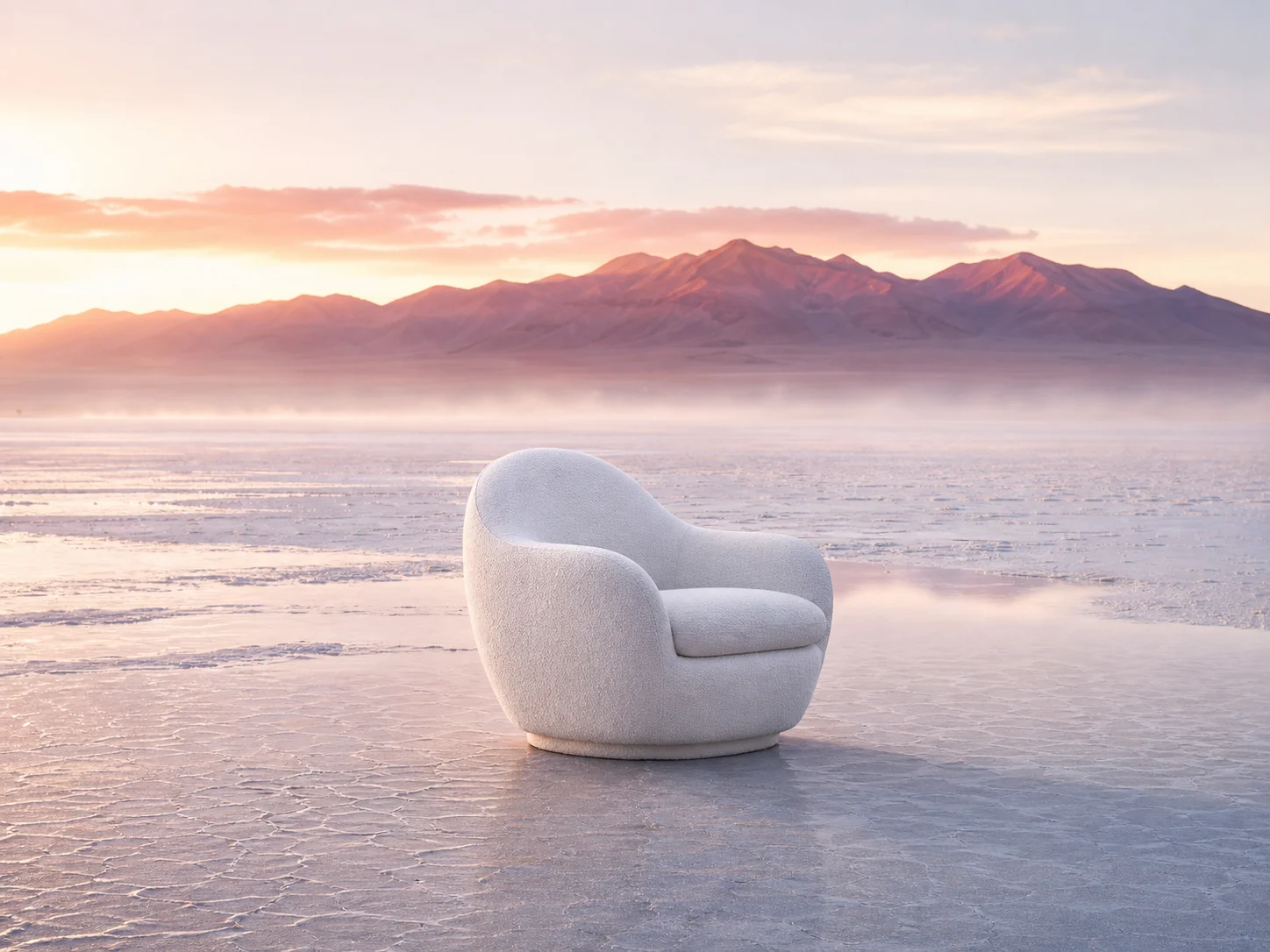
AI Background Changer Agent
Move a subject or product into a new setting while directing light, perspective, atmosphere, and edge quality in the same thread.
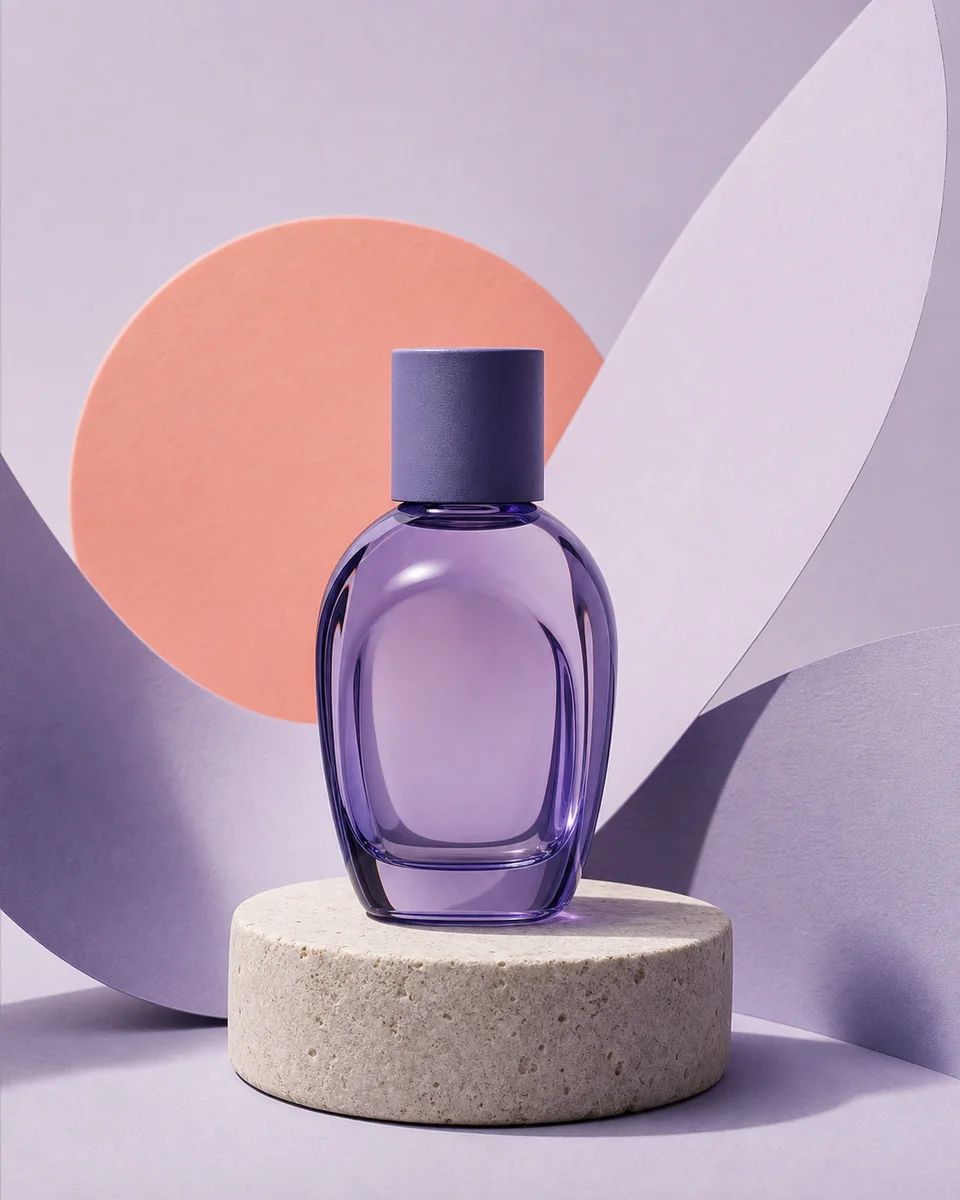
AI Product Photography Agent
Turn a single product reference into an art-directed scene, then iterate lighting, surfaces, crops, and campaign moods without losing brand cues.
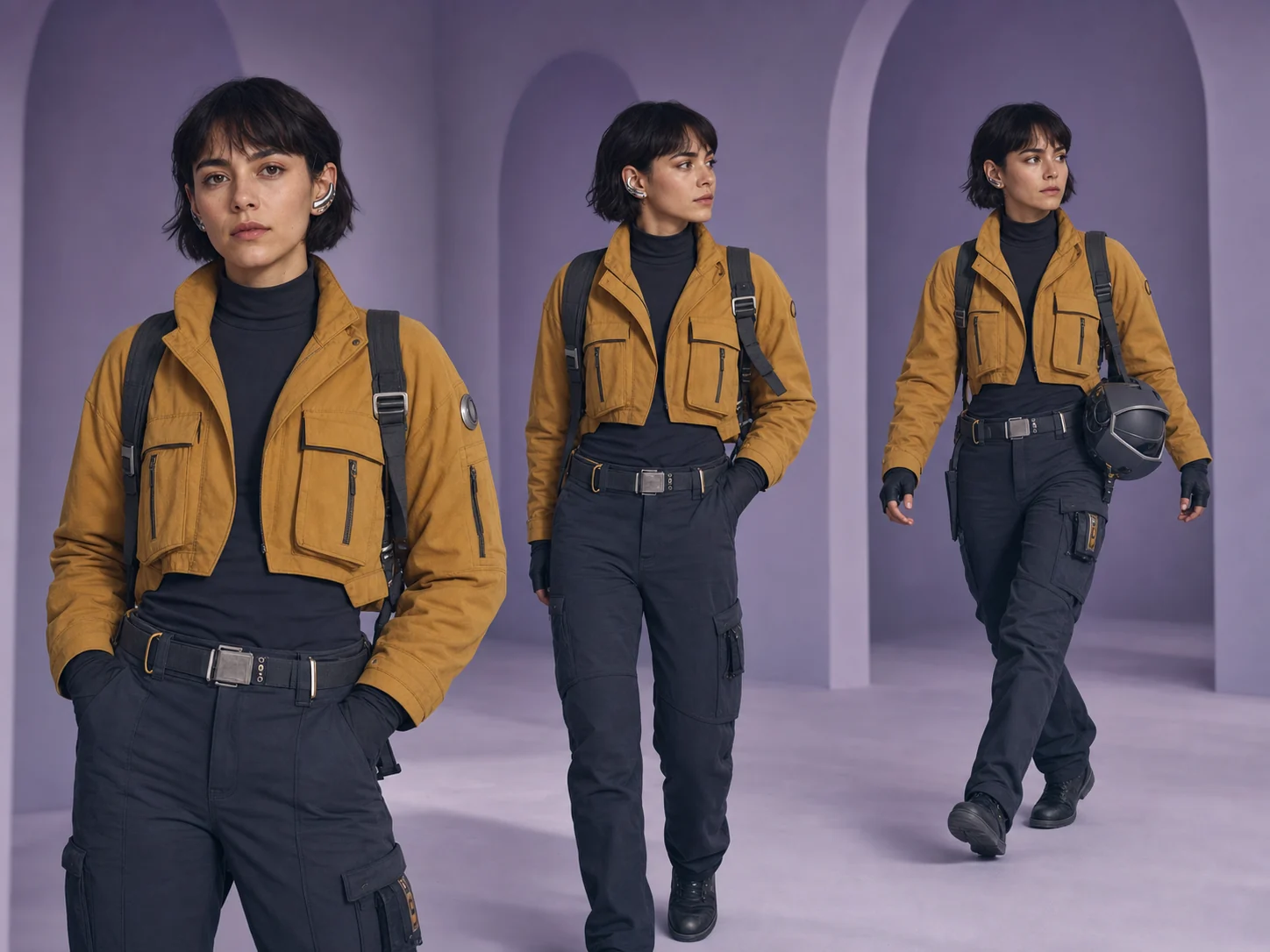
AI Character Consistency Agent
Develop a recognizable character across poses, scenes, and moods by keeping identity cues and creative constraints inside one conversation.
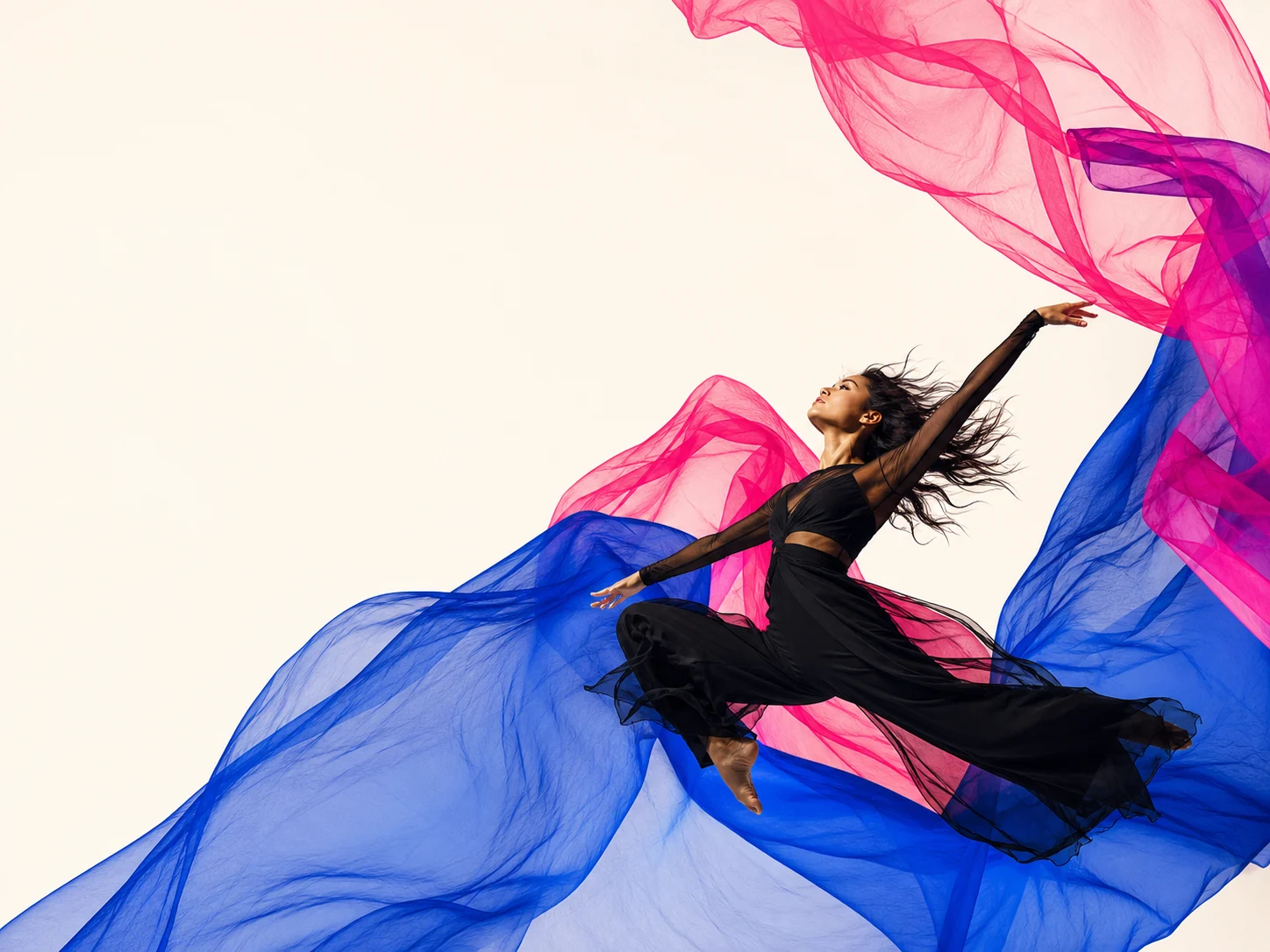
AI Poster Generator Agent
Develop poster concepts through art direction, composition, image treatment, and format variations in one visible creative thread.
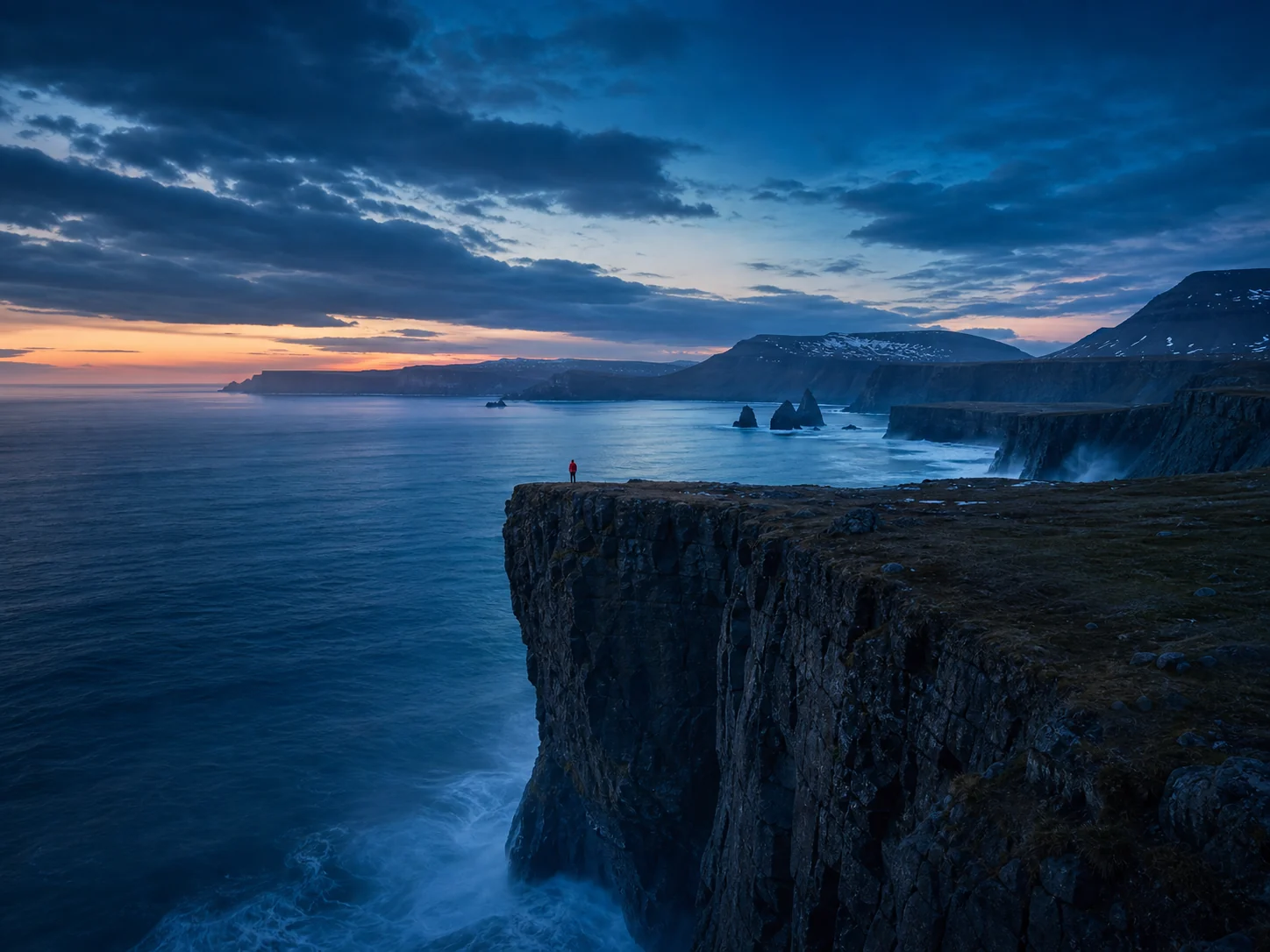
AI Image Extender Agent
Expand a frame for new aspect ratios while directing what should continue beyond the original edges and what must stay fixed.