
Keep the expression. Shift the light to warm late afternoon.
Art direction that remembers the subject
Refine mood, styling, and lighting while keeping the identity of the frame intact.
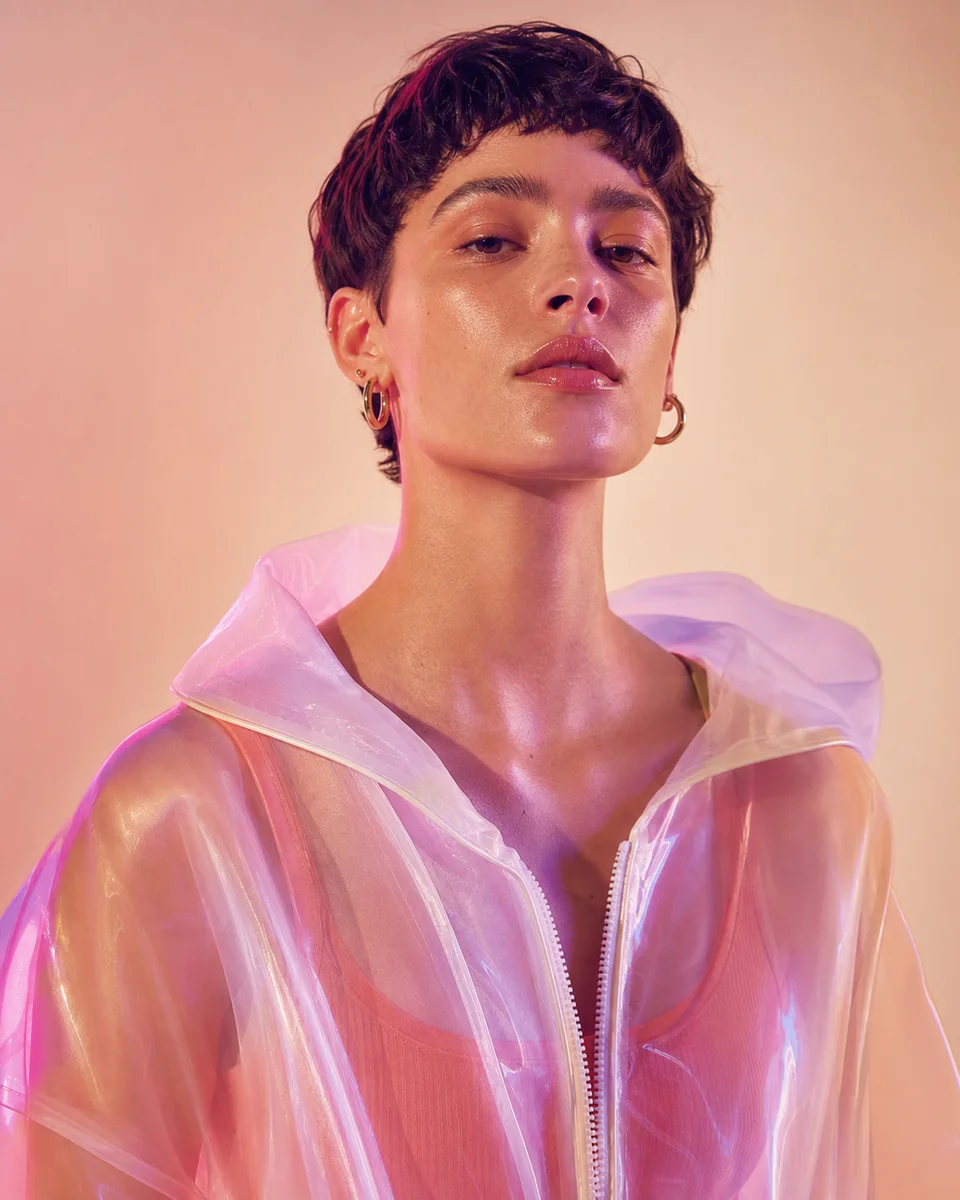
Upload a photo or describe an idea. Mark the exact area, write what should change, and refine the result on one clear AI image editing canvas.
START WITH A TASK
Choose a familiar task. You can switch tools, models, and ratios once you are inside the canvas.
Start with a prompt and shape the result through conversation.
Upload, mark the area, and describe exactly what should change.
Turn a clean packshot into campaign-ready product imagery.
Find the focused workflow that best matches your next task.
MADE WITH IMAGEAGENT
Open a sample project to see how a clear brief becomes an editable canvas, then make the direction your own.
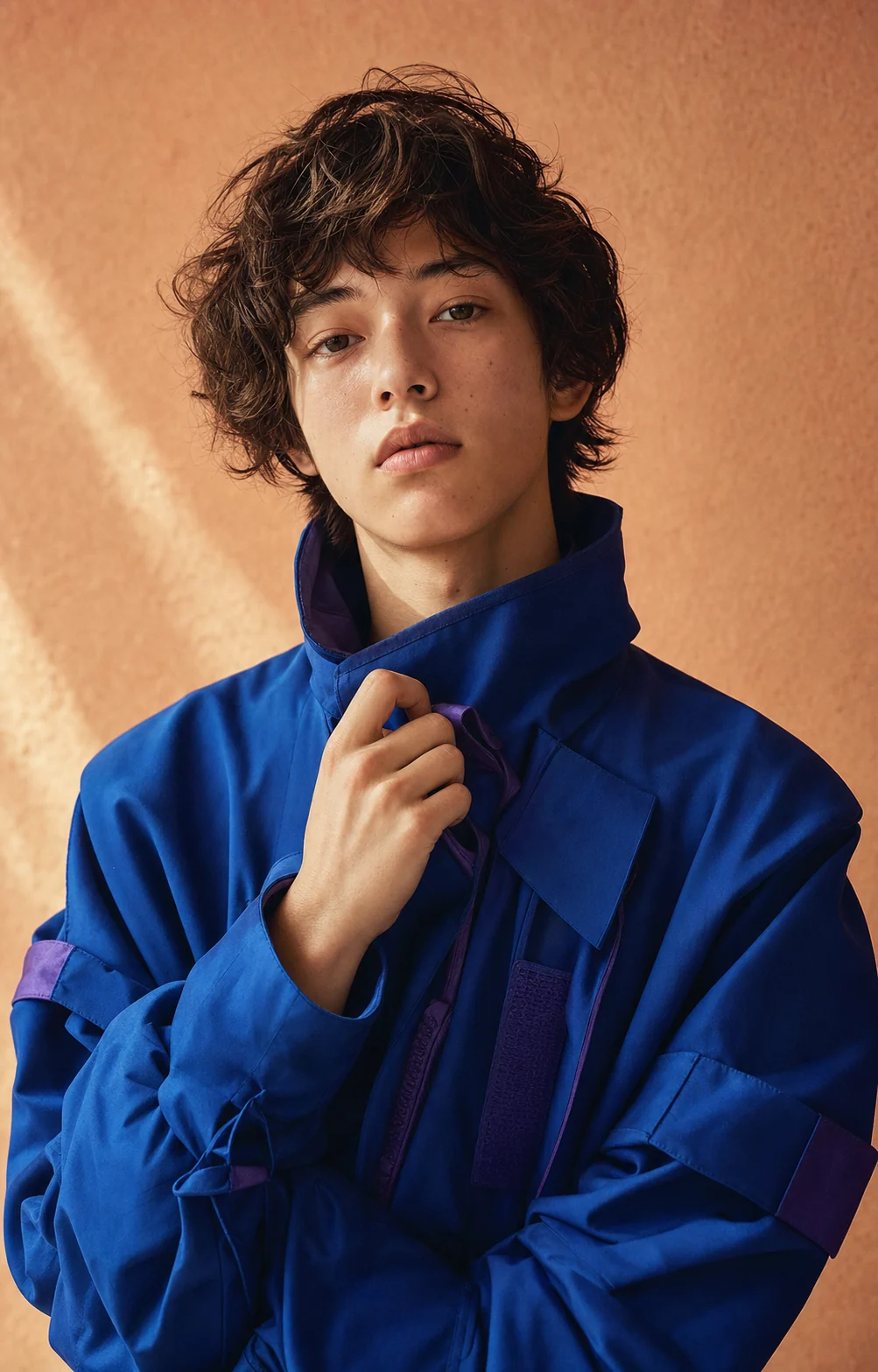
Keep the natural expression, refine the cobalt jacket, and preserve the warm peach studio light.
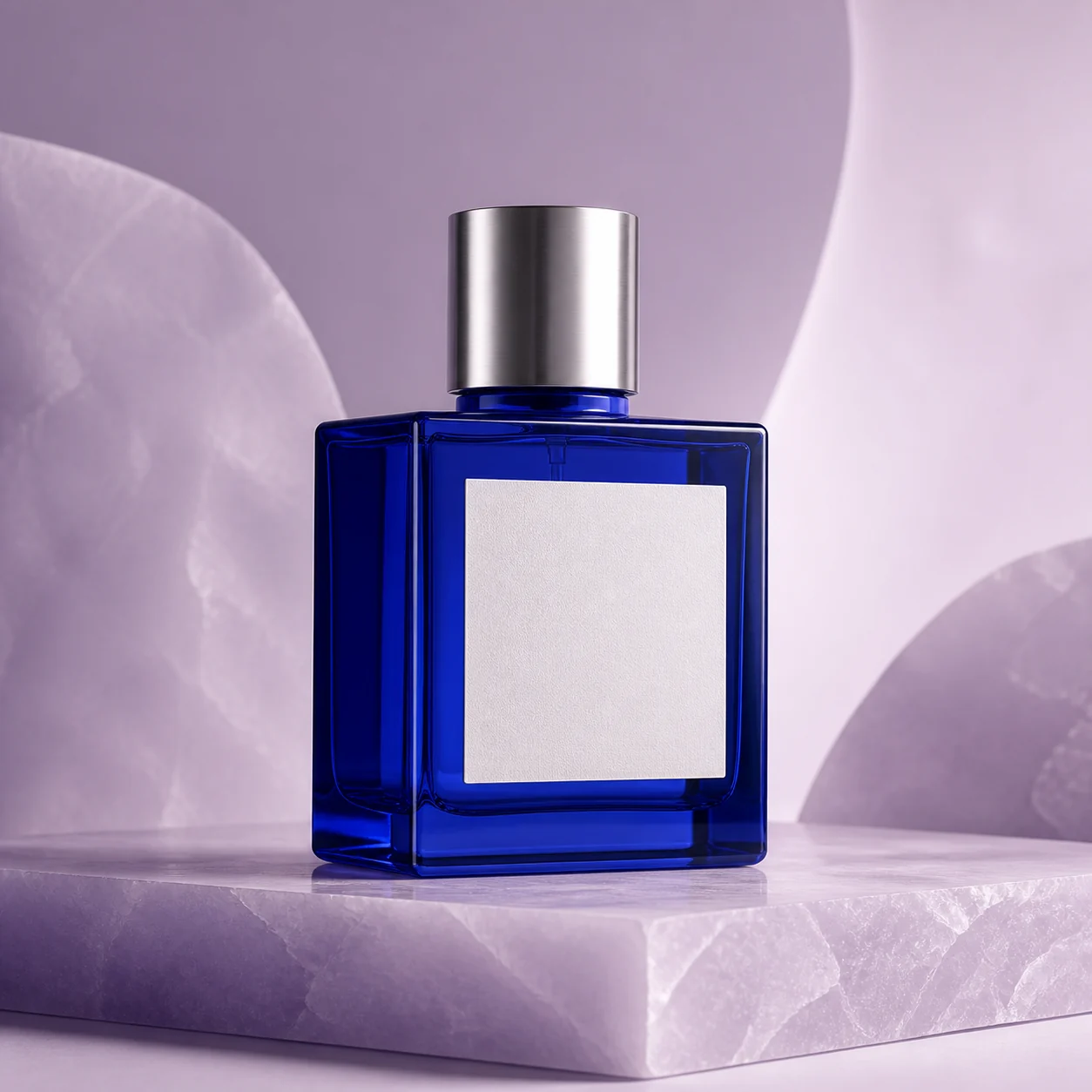
Place the unbranded cobalt bottle on a lilac set with clean reflections and premium studio light.
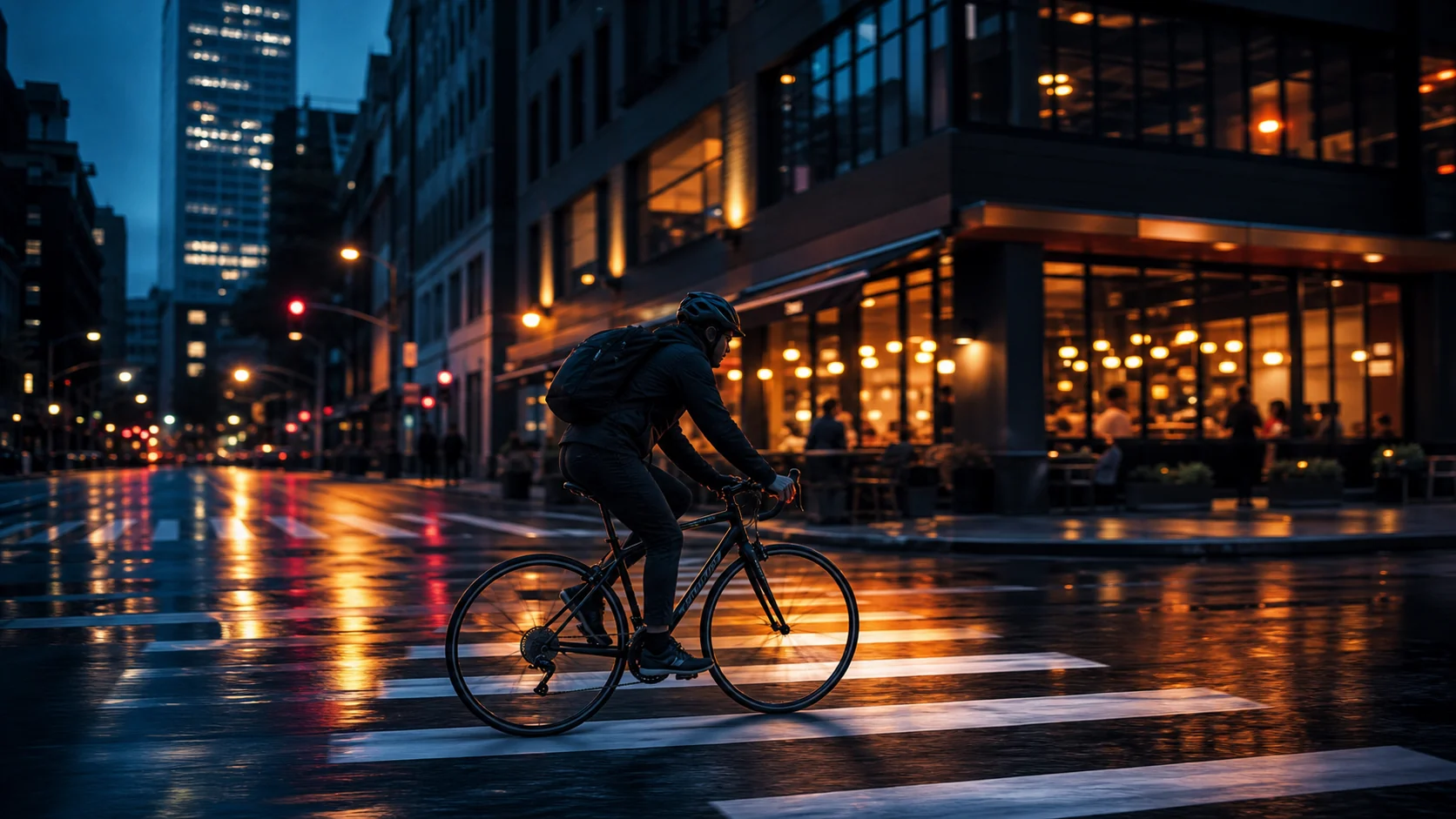
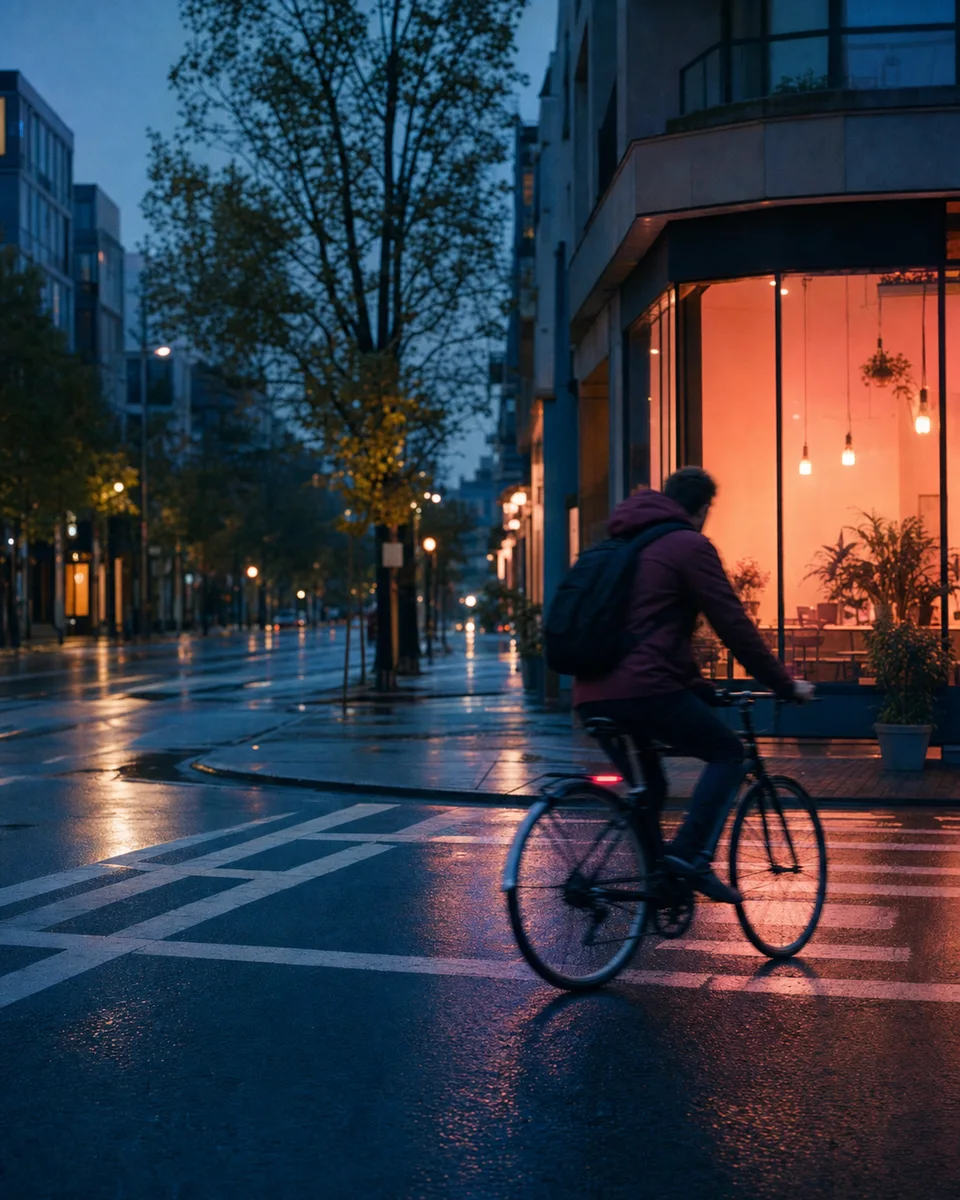
Preserve the cyclist's motion and turn the rainy street into cinematic blue-hour key art.
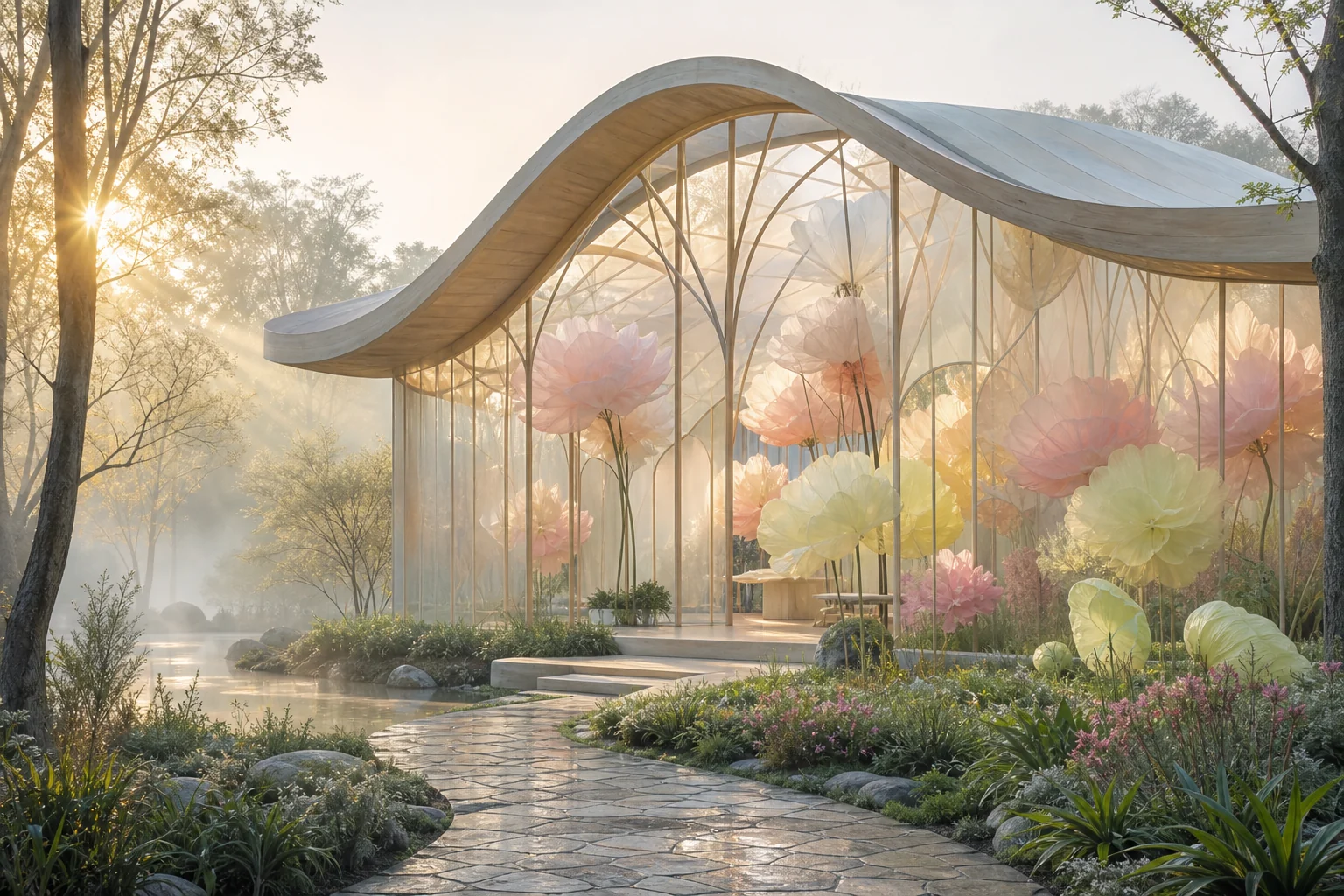
Create a dreamlike greenhouse pavilion built from translucent paper flowers and gentle natural light.
ONE AGENT, MANY DIRECTIONS
Begin with a sentence or an image. The same conversation carries your intent from first draft to export-ready direction.
Turn loose ideas into art-directed image concepts.
Describe what should change and what must stay untouched.
Carry subjects, products, and style cues across versions.
Adapt one composition to new crops and placements.
Explore lighting, surfaces, and campaigns around one product.
Use an image to guide composition, palette, material, or mood.
Move a subject into a new setting while preserving important edges.
Explore key art, negative space, crops, and campaign formats.
THE CONVERSATION BECOMES THE WORKFLOW
Every example starts with a creative decision and continues as a readable trail of changes.
Keep the expression. Shift the light to warm late afternoon.
Refine mood, styling, and lighting while keeping the identity of the frame intact.
Place it on violet stone with a controlled studio shadow.
Move from packshot to polished scene without rebuilding the brief each time.

Turn this into a blue-hour editorial, but preserve the motion.
Explore color and environment as branches while the original direction stays available.
A SHORTER PATH TO THE RIGHT IMAGE
The agent keeps the thread, so every next instruction can be smaller and more precise.
Start with text, upload a reference, or combine both. Rough ideas are welcome.
See each visual branch beside the conversation that created it.
Ask for targeted changes without repeating the full prompt or losing earlier work.
BUILT LIKE A CREATIVE PARTNER
ImageAgent is designed around decisions, continuity, and a clear path back to every useful version.
Follow-up requests build on the same goal, references, and constraints.
Versions are visible and selectable. Nothing useful disappears behind a rerun.
Connect a model gateway or individual providers in Admin. The workspace only exposes models you enable.
QUESTIONS, ANSWERED
What works today, what connects later, and how the workspace handles your images.
YOUR NEXT VERSION STARTS HERE
Open the workspace now, then enable your preferred model gateway or direct providers when you are ready to run real generations.
Start creating