


01
Give the agent a useful starting point: AI Image Extender Agent
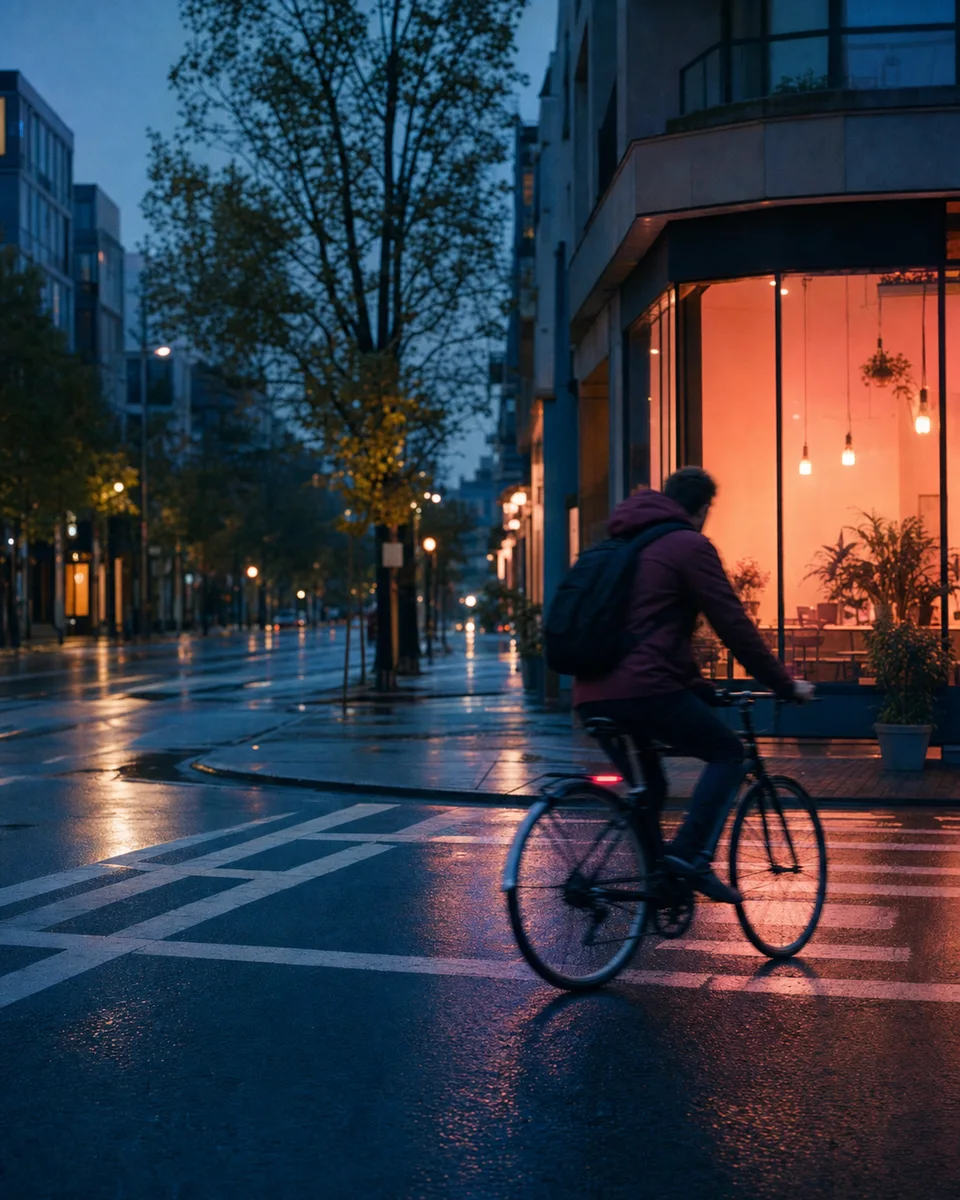
Upload the source, choose the target framing, and describe the visual information that should continue into the new area—architecture, sky, texture, or negative space.
FOCUSED AGENT WORKFLOW
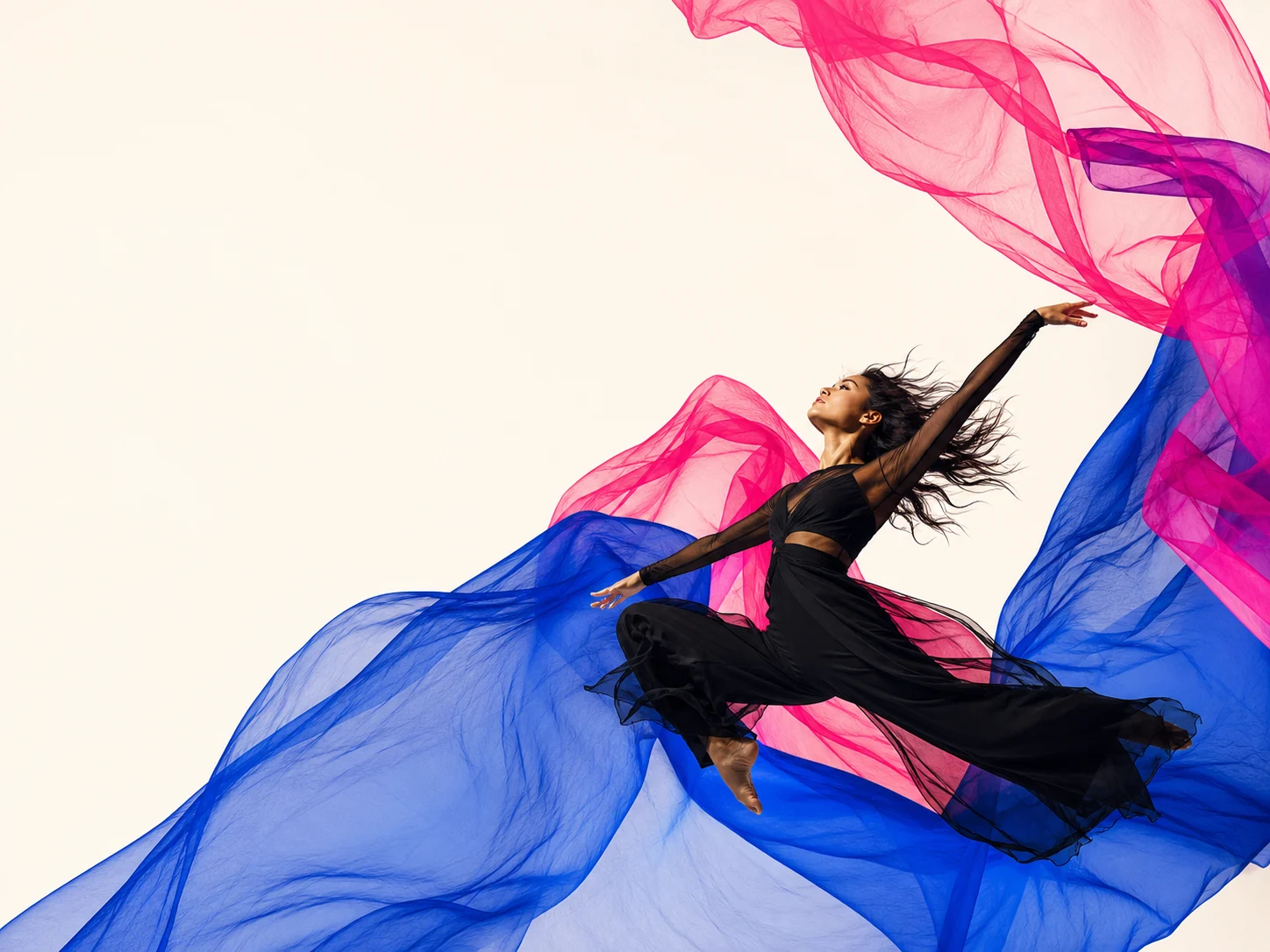
Expand a frame for new aspect ratios while directing what should continue beyond the original edges and what must stay fixed.
READY-MADE IMAGE TASKS
These workflows share the same conversation-first canvas and visible version history.
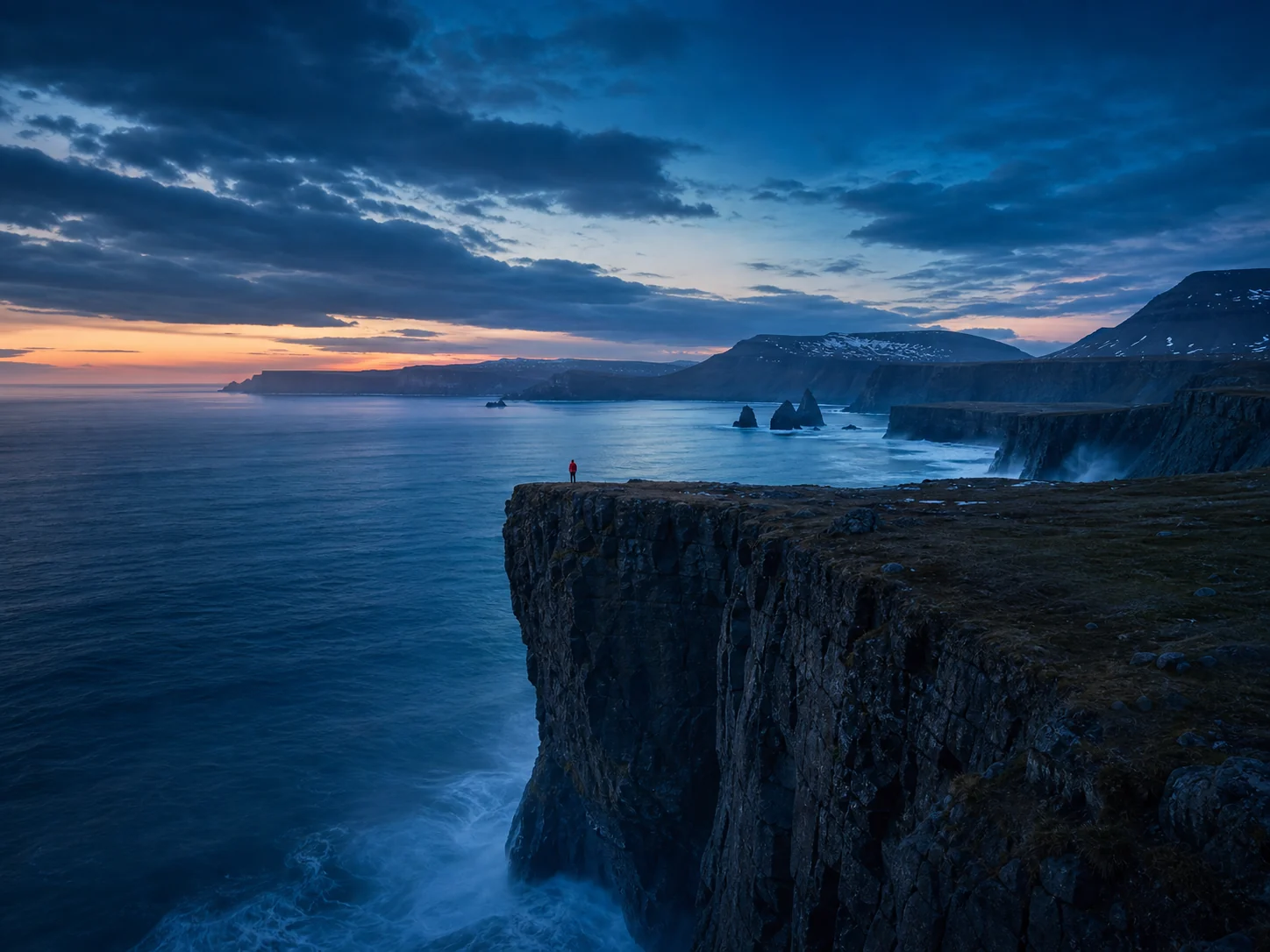
Upload the source, choose the target framing, and describe the visual information that should continue into the new area—architecture, sky, texture, or negative space.
Extend one direction at a time, review edge continuity, then refine perspective, texture, and empty space with targeted follow-up requests.
The source remains visible as a version, so you can compare how each expansion handles composition without losing the original crop.
This flow helps adapt hero images, social assets, ads, editorial layouts, and presentation graphics to placements the source was not shot for.
How this focused Agent direction fits into the wider ImageAgent workspace.